
Deleting and archiving products
Who can do this
Section titled “Who can do this”- Company Owners can always delete and archive products.
- Company Admins can delete and archive products unless the Allow only Company Owners to add and update products toggle is enabled in Settings & Apps > Billing > Settings.
How to delete a product
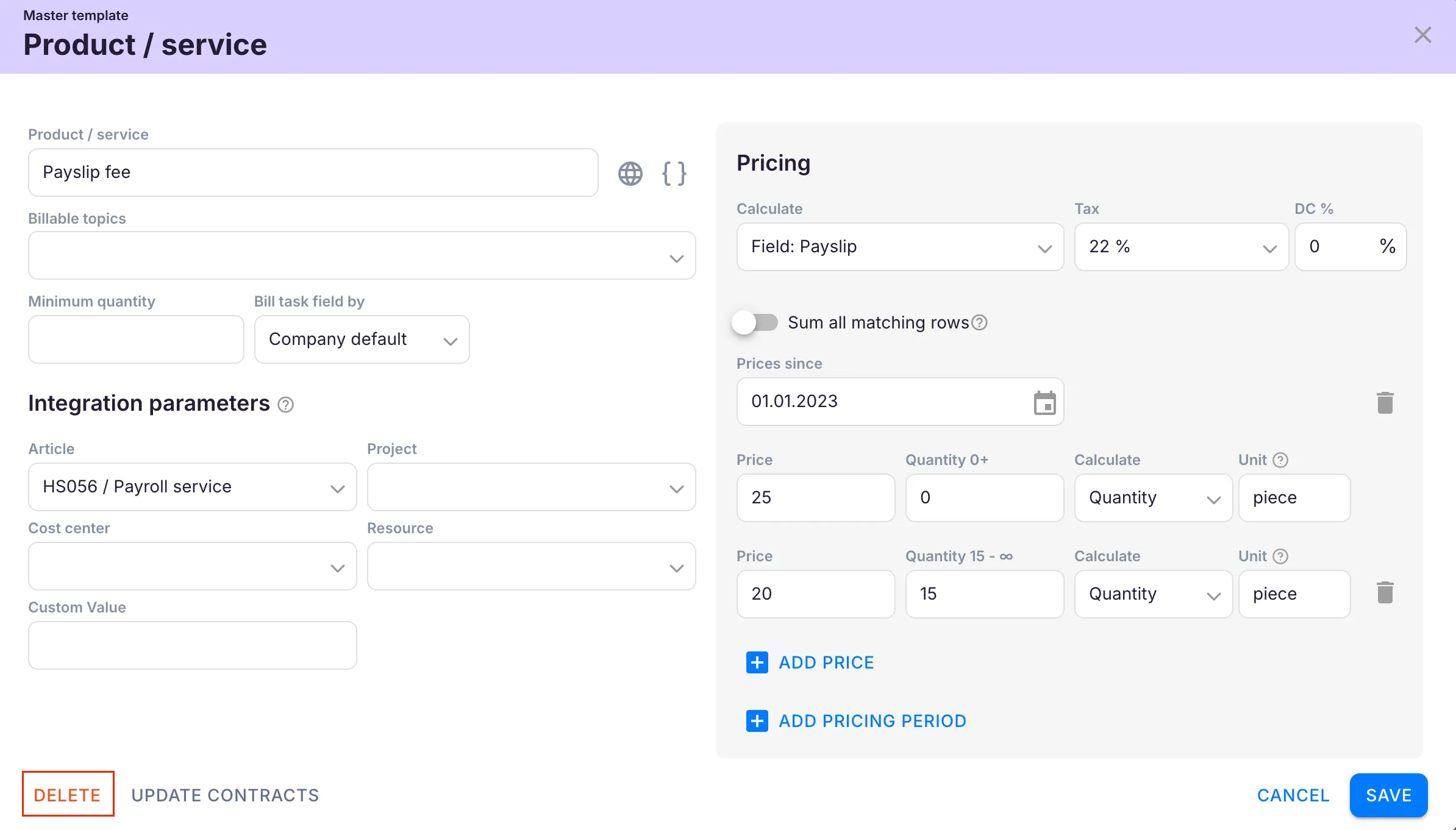
Section titled “How to delete a product”You can permanently delete a product only if it is not included in any contract.
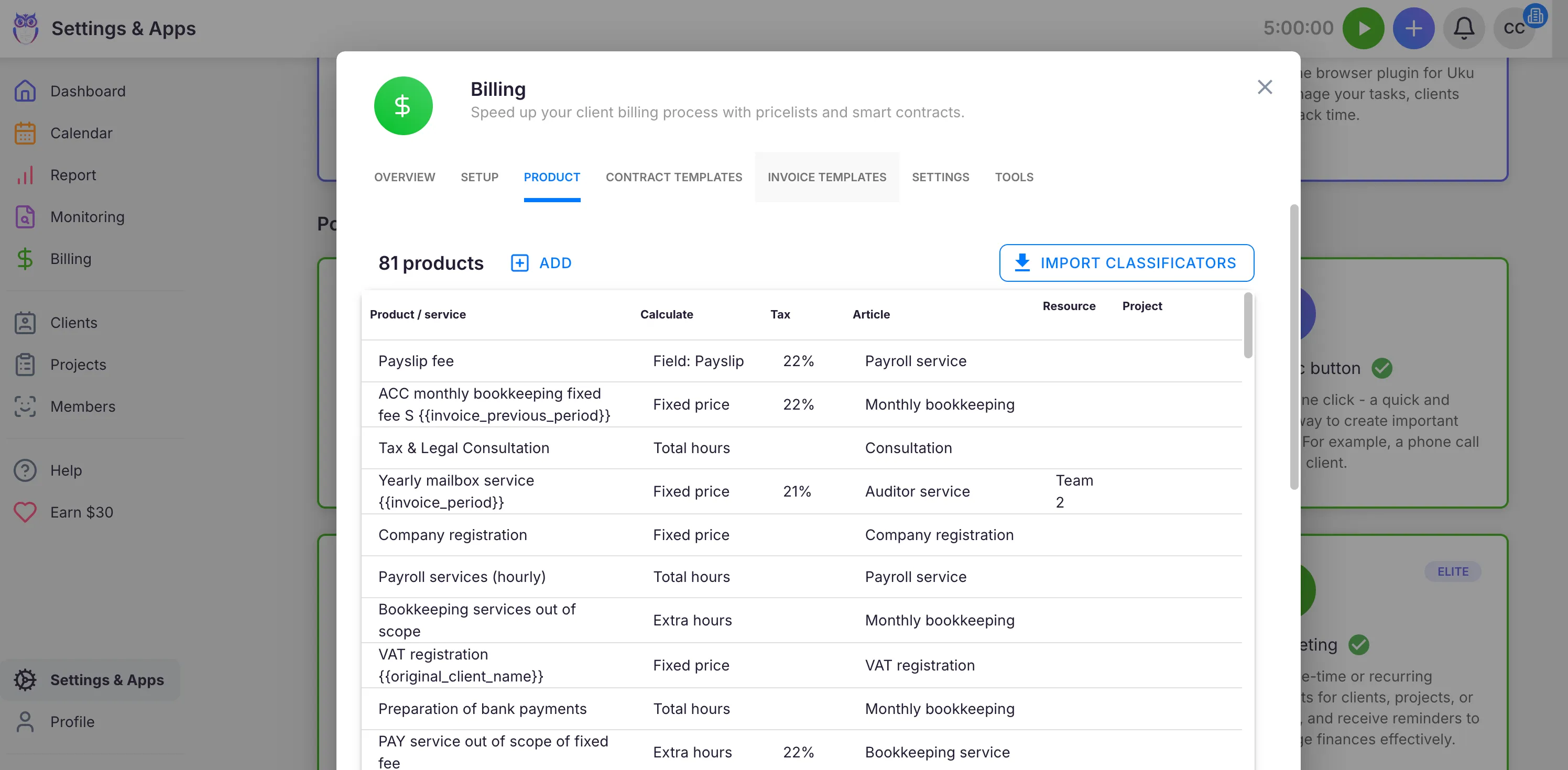
- Open Settings & Apps > Billing > Setup > Articles.
- Click the product you want to delete.
- Click Delete and confirm when prompted.
How to archive a product
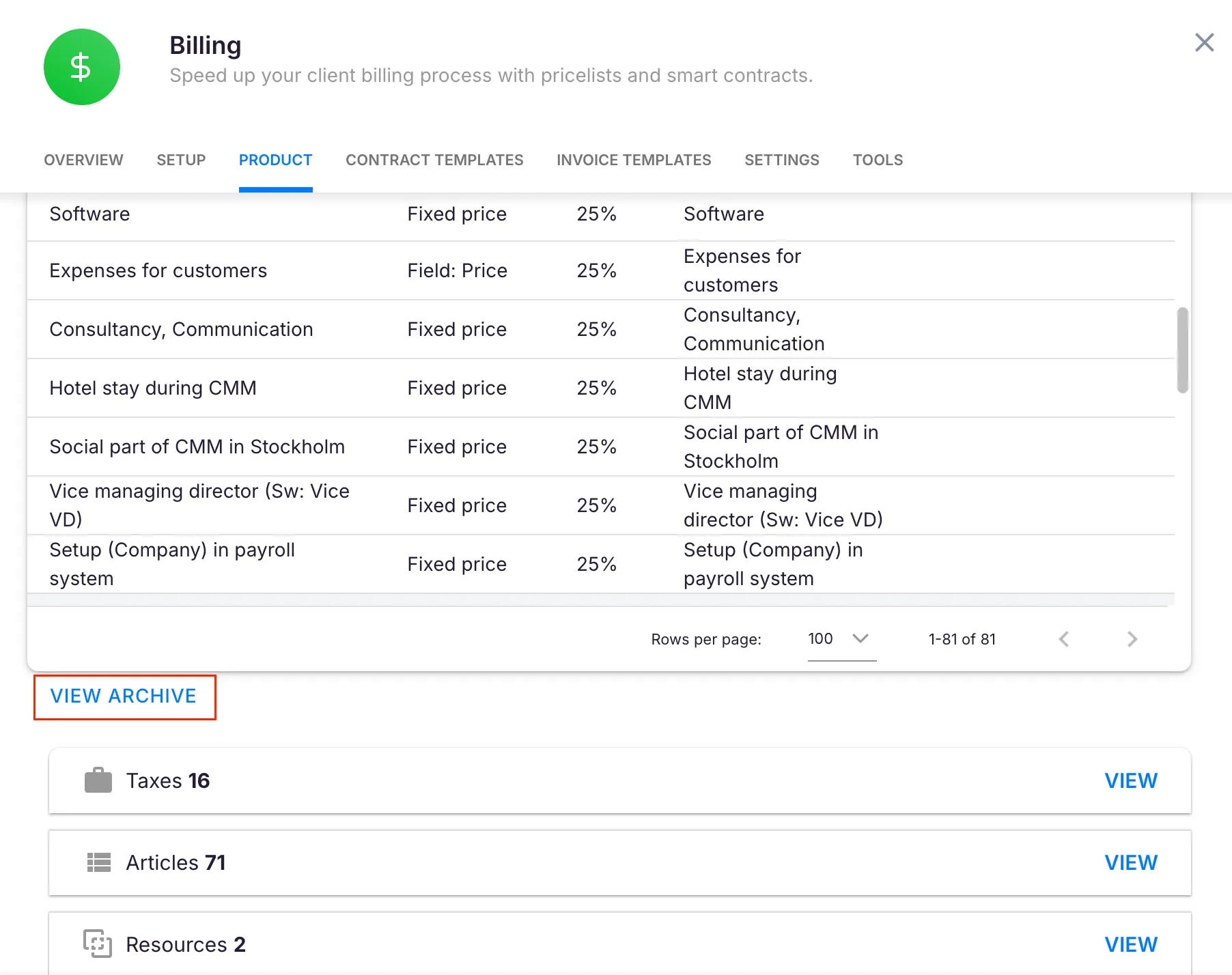
Section titled “How to archive a product”If a product is used in one or more contracts, Uku will not allow permanent deletion. Instead, Uku offers to archive it.
- Open the product in Settings & Apps > Billing > Setup > Articles.
- When Uku warns that the product is in use and cannot be deleted, click Archive.
Archiving is non-destructive. The product’s data remains intact in all existing contracts and historical records. The product is removed from active selection dropdowns so it cannot be added to new contracts.
Restoring archived products
Section titled “Restoring archived products”- Open the archived product in Settings & Apps > Billing > Setup > Articles (you may need to filter or search for archived items).
- Click Restore.
Troubleshooting
Section titled “Troubleshooting”Cannot delete a product
Section titled “Cannot delete a product”The product is used in one or more contracts. Use Archive instead to remove it from active use while keeping contract data intact.
The delete or archive option is not available
Section titled “The delete or archive option is not available”Only Company Owners and Company Admins can delete or archive products. If the Allow only Company Owners to add and update products setting is enabled, only the Company Owner can make changes.
Archived product is not visible
Section titled “Archived product is not visible”Archived products are hidden from the active product list. Look for an archived/inactive filter in the Articles section to find and restore them.